Memory context: RTX 5080 Laptop GPUs use 16GB GDDR7. Compare that capacity with 8GB, 12GB, and 24GB in our gaming laptop VRAM guide.
Why TGP Is Everything With RTX 5080 Laptops
Every laptop on this list uses the Nvidia GeForce RTX 5080 Laptop GPU, but the permitted graphics power varies by configuration and mode. TGP is important, yet it is not a benchmark by itself: CPU choice, firmware, combined power budget, cooling, memory, and test settings also affect results.
Always verify the exact model code and official maximum graphics power before buying. Compare laptops only with matching game, resolution, preset, upscaling, Frame Generation, and power-mode conditions.
Published Benchmark Evidence — RTX 5080 Laptops
The linked datasets retain each source's exact resolution, preset, power mode, upscaling, and Frame Generation state. Because the workloads differ, this guide does not manufacture a single cross-source average.
| Laptop | TGP | Evidence | Comparison status |
|---|---|---|---|
| Legion Pro 7i Gen 10 | 175W | Exact sourced dataset | Ranked #1 |
| MSI Vector 16 HX AI | 175W | Exact sourced dataset | Ranked #2 |
| HP Omen Max 16 | 175W | Exact retail specification; performance score withheld | Ranked #3 |
| ASUS ROG Zephyrus G16 | 120W | Retail specifications verified; matching controlled dataset unavailable | Retail alternative |
| ASUS ROG Strix G16 | 175W | Identified retailer bundle; factory suffix and controlled dataset unavailable | Retail alternative |
| Alienware 16 Area-51 (2026) | 175W | Alienware 16 Area-51 2026 sourced dataset | Not on Amazon US yet |
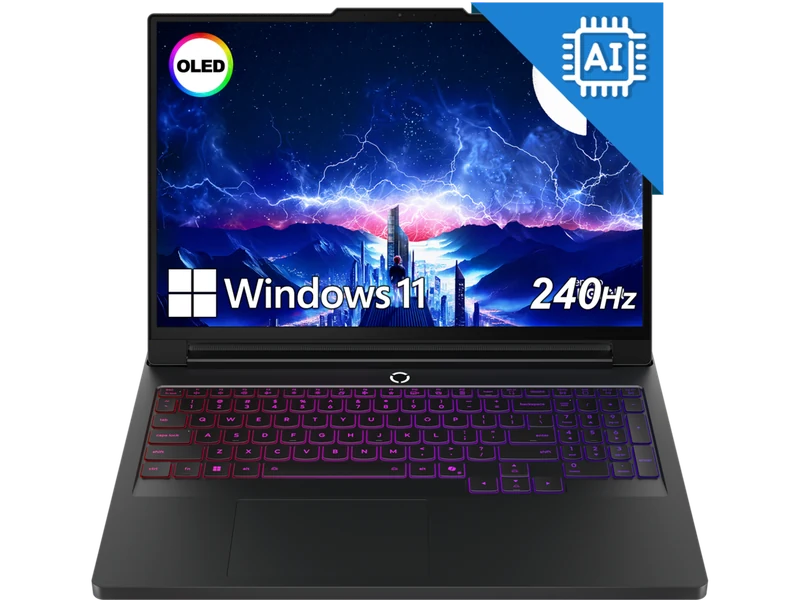
The Legion Pro 7i combines a high-power RTX 5080 with vapor-chamber cooling, a 240Hz OLED display, and 32GB DDR5 in the configuration reviewed. Published sustained-load evidence places it among the strongest RTX 5080 options, but power behavior and memory specifications should be verified for the exact retailer model.
Check Price on Amazon → Legion Pro 7i Review →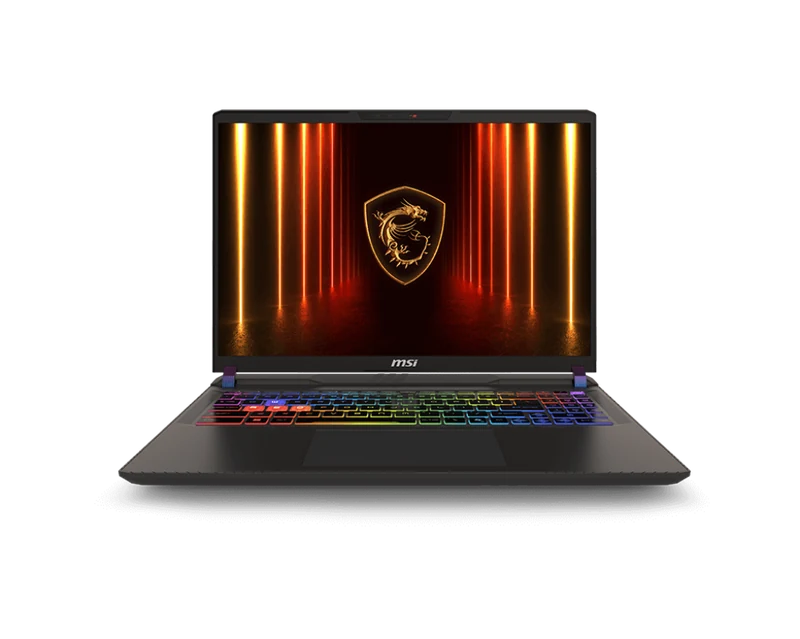
The MSI Vector targets the same 175W GPU power class as the Legion. Its linked review contains exact published game and synthetic rows, but those results should be compared only where settings match. The trade-off is the chassis and IPS display rather than OLED; accessible memory and storage remain practical advantages.
Check Price on Amazon → MSI Vector 16 HX AI RTX 5080 review →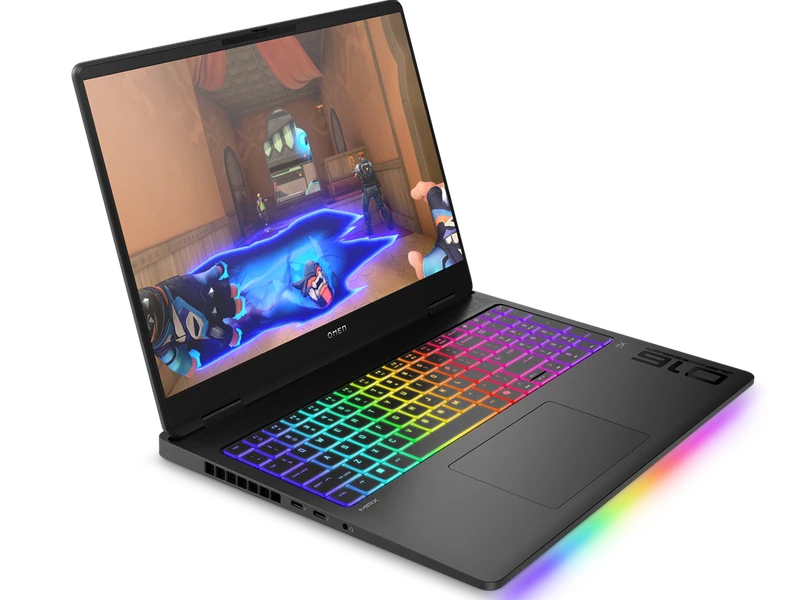
The current B64BNUA retail configuration combines RTX 5080 graphics, 32GB DDR5 and a 1TB SSD. It is the conventional IPS alternative in this shortlist. Its value depends on the live offer, so verify the model code, seller and checkout price.
Linked Amazon listing under review HP Omen Max 16 Review →Two More RTX 5080 Retail Alternatives
These configurations have direct product pages. They are shown without a numbered rank because comparable configuration-specific performance evidence is not yet available; availability must be checked at the retailer.
Amazon product page
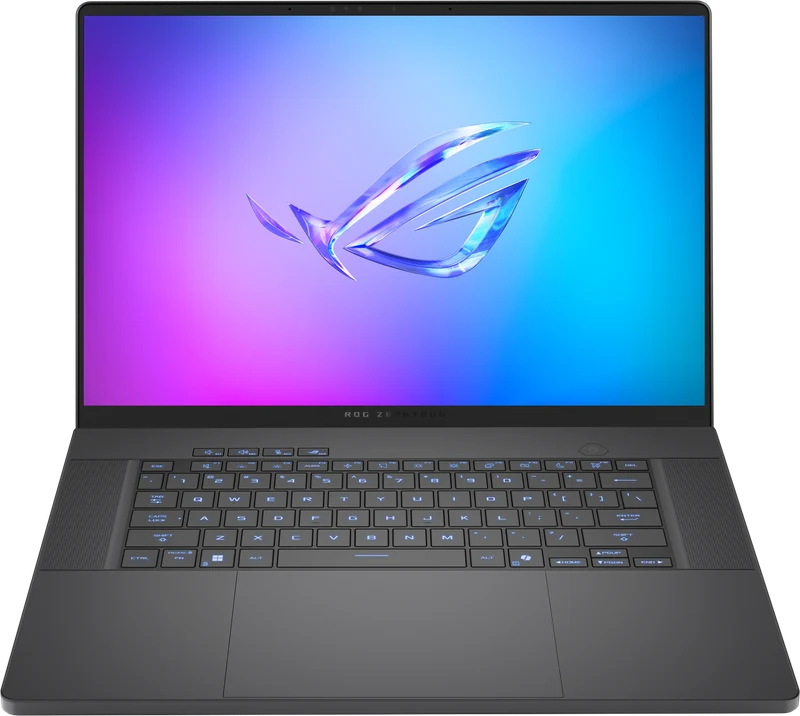
The lightest option in this RTX 5080 group pairs a 240Hz OLED with a 1.85kg aluminium chassis. Its 120W GPU ceiling prioritizes portability over the sustained performance of thicker 175W models.
View ASUS ROG Zephyrus G16 on Amazon → Read Zephyrus G16 Review →Amazon product page
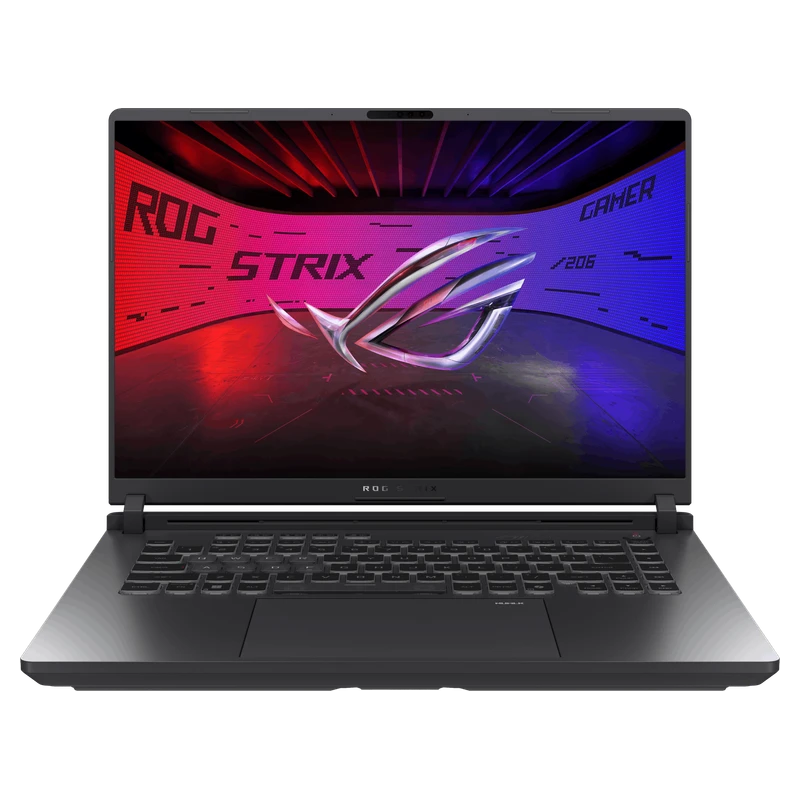
This is the full-power alternative: a 175W RTX 5080 platform, upgradeable memory, and 64GB claimed by the linked retailer bundle. The listing did not disclose a complete factory configuration, and the offer was unavailable when checked September 10.
Check ASUS ROG Strix G16 on Amazon → Read Strix G16 Review →Should You Buy RTX 5080 or Wait for RTX 5090?
The RTX 5090 laptop GPU exists — see our full RTX 5090 guide — and adds 24GB VRAM compared with 16GB on the RTX 5080. The performance and value difference depends on the exact laptop, power mode, workload, and current retailer price; do not apply a universal percentage across unmatched datasets.
At 1440p, both GPU tiers can be viable depending on the game and rendering mode. Compare matching native or matching upscaled rows rather than applying one universal uplift. Frame Generation output must remain separate from rendered FPS when judging the premium.