How We Evaluate
Each laptop is evaluated from verified manufacturer specifications, exact retail configurations, and attributed benchmark evidence. Results are used in rankings only when configuration and editorial evidence support the score; unmatched resolutions, presets, power modes, and sources are not normalized into synthetic averages. Any alternative without comparable exact-model coverage remains unranked.
1. Best Overall: Lenovo Legion Pro 7i Gen 10
The Lenovo Legion Pro 7i Gen 10 is one of the strongest gaming laptops in our 2026 comparison. Its RTX 5080 is configured at up to 175W and paired with vapor-chamber cooling, while the 16-inch WQXGA OLED runs at 240Hz. Published comparisons show why a full-power RTX 5080 can challenge lower-power RTX 5090 implementations, but results depend on the exact mode and configuration.
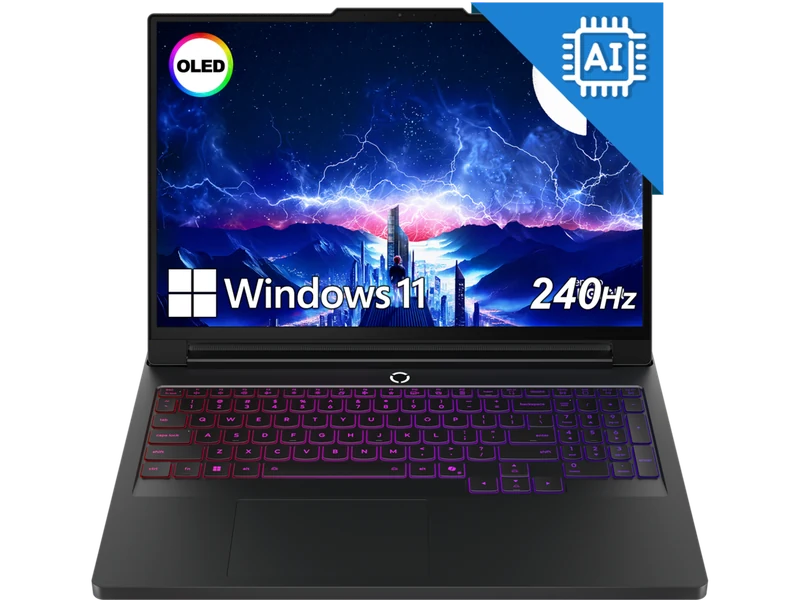
- RTX 5080 configured at its 175W maximum graphics power
- Stunning WQXGA OLED 240Hz, 500 nits, 100% DCI-P3
- 1TB PCIe Gen 5 NVMe storage
- Supports Nvidia DLSS 4 Multi Frame Generation
- Per-key RGB, excellent keyboard with numpad
- 2.71kg — heavier than premium thin-and-light options
- Only 1TB base storage (upgradeable)
- Fan noise audible under full gaming load
Premium Alternative (Unranked): Razer Blade 16 RZ09-05819EN9-R3U1
The exact RZ09-05819EN9-R3U1 configuration combines a Core Ultra 9 386H, RTX 5090 with up to 165W graphics power, 64GB LPDDR5X-9600 memory, 2TB storage, and a 2560×1600 OLED 240Hz panel in a 2.14kg CNC chassis. It remains unranked because the available third-party benchmark data covers a related 32GB RZ09-0581-family configuration rather than this exact 64GB SKU.
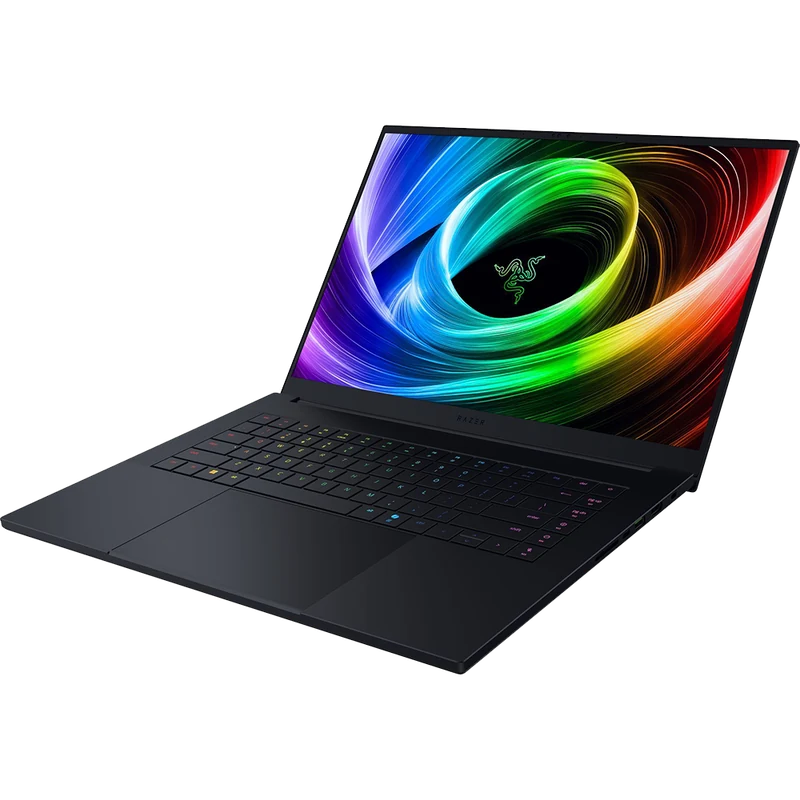
- RTX 5090 with 24GB VRAM and up to 165W graphics power
- 2.14kg chassis with a 2560×1600 OLED 240Hz display
- Premium CNC aluminium build
- 64GB LPDDR5X-9600 memory and 2TB storage
- Official-store pricing places it in the ultra-premium tier
- Memory is soldered and cannot be upgraded
- Exact-SKU controlled benchmark coverage is still incomplete
#2 Connectivity-Focused RTX 5080: MSI Vector 16 HX AI A2XWIG-058US
The exact A2XWIG-058US configuration pairs a Core Ultra 9 275HX with an RTX 5080 configured up to 175W, 32GB DDR5-5600, 2TB storage, and a 16-inch QHD+ 240Hz IPS display. Thunderbolt 5 and two storage slots make it the connectivity-focused alternative here. Its value position depends on the current checkout price; the matching TGP alone does not establish identical performance to the Legion.
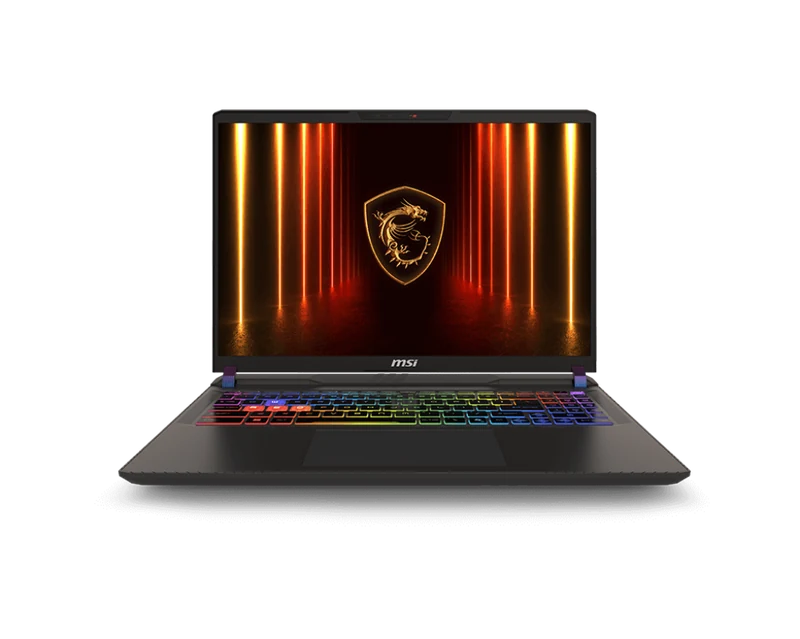
- RTX 5080 configured at up to 175W graphics power
- Thunderbolt 5 plus 2.5Gb Ethernet
- 2TB storage with two M.2 slots
- 240Hz QHD+ display — fast and sharp
- IPS not OLED — no infinite contrast
- Heavy at 2.7kg
- 90Wh capacity does not guarantee long gaming runtime
- Plasticky chassis vs Legion's premium feel
#3 Current IPS RTX 5080 Pick: HP Omen Max 16 B64BNUA
The current B64BNUA retail configuration combines a Core Ultra 9 275HX, RTX 5080 at up to 175W, 32GB DDR5, 1TB storage, and a 16-inch WQXGA 240Hz IPS display. It is our third specification-led recommendation for buyers who prefer IPS over OLED. Its performance score remains withheld until a matching controlled benchmark set is available.
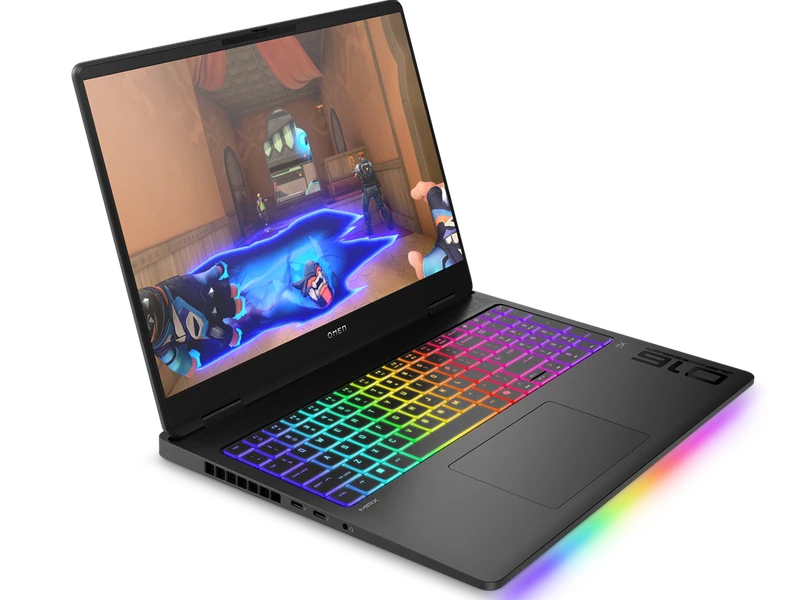
- RTX 5080 configured at up to 175W graphics power
- 1TB storage in the current retail configuration
- WQXGA 240Hz IPS display
- Two Thunderbolt 4 ports
- IPS — less impressive visually than OLED
- 2.9kg chassis is not travel-friendly
- HP software is clunky
Related-Evidence Alternative: Lenovo Legion 5i 83N20003BO
The exact 83N20003BO combines an RTX 5070 at 115W with a 15.1-inch 2560×1600 OLED display at 165Hz, Core Ultra 7 255HX, 32GB DDR5-5600, and 1TB storage. Its available benchmark dataset comes from a different 15IRX10 configuration, so the exact retail SKU is unranked.
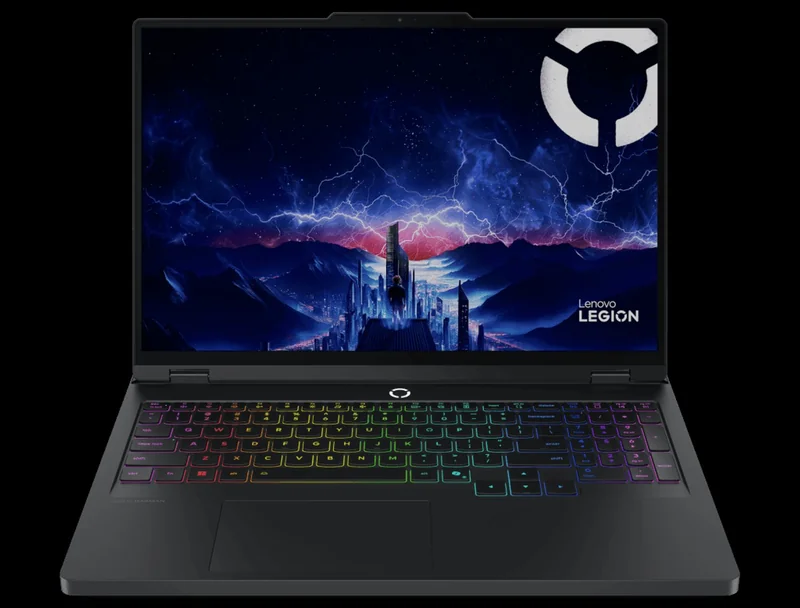
- Exact 165Hz OLED specification
- 32GB DDR5-5600 retail configuration
- 80Wh battery
- Excellent keyboard with numpad
- Gaming evidence is from a related configuration
- Only 1TB base storage
- 165Hz OLED (not 240Hz)
High-Memory Alternative: ASUS TUF Gaming A16 RTX 5070 64GB
The current retail configuration combines Ryzen 9 270-class processing, RTX 5070 graphics, 64GB DDR5, a 1TB SSD, 90Wh battery, and 1920×1200 165Hz IPS display. It remains unranked because no matching controlled game dataset is available.
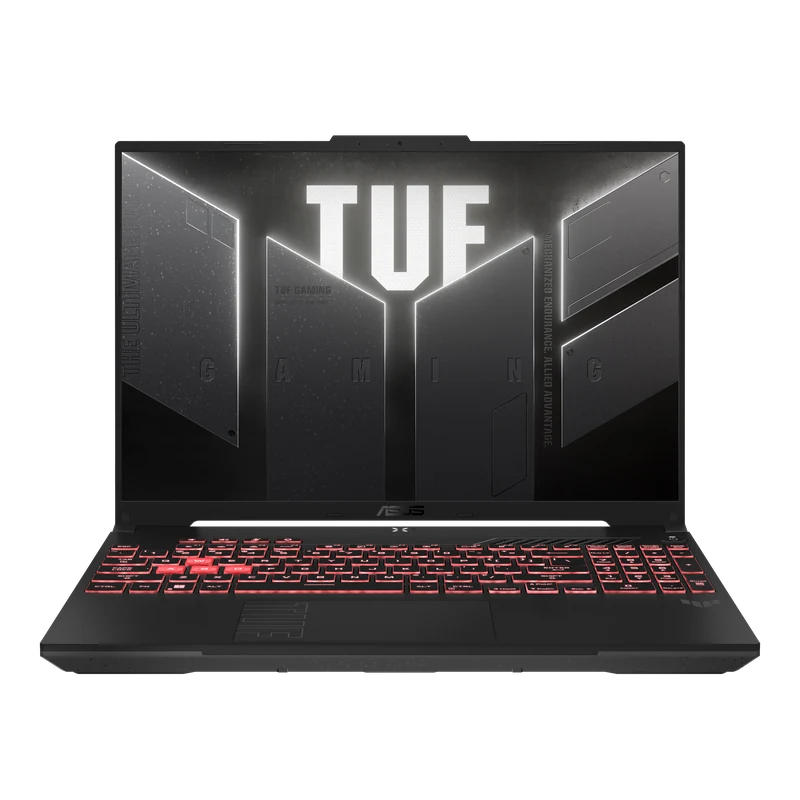
- Exact RTX 5070 115W configuration
- 90Wh battery capacity
- 1920×1200 165Hz IPS display
- Upgradeable RAM and SSD
- No protocol-matched runtime comparison
- Budget eligibility requires a live price
Evidence Status at a Glance
Ranked exact-evidence picks and clearly labeled unranked alternatives side by side. Check the exact model and live price before buying.
| Laptop | GPU / TGP | Display | Weight | Score | Primary distinction | Buy |
|---|---|---|---|---|---|---|
| Legion Pro 7i Gen 10 BEST OVERALL | RTX 5080 · 175W | 16" OLED 240Hz | 2.71kg | 9.4 | OLED + 175W GPU | Amazon → |
| Razer Blade 16 (2026) PREMIUM · UNRANKED | RTX 5090 · 165W | 16" 2560×1600 OLED 240Hz | 2.14kg | N/R | 24GB VRAM + portability | Check price → |
| MSI Vector 16 HX AI CONNECTIVITY-FOCUSED | RTX 5080 · 175W | 16" QHD+ 240Hz IPS | 2.7kg | 8.8 | Thunderbolt 5 + 2TB | Amazon → |
| HP Omen Max 16 2TB IPS ALTERNATIVE | RTX 5080 · 175W | 16" WQXGA 240Hz IPS | 2.9kg | 9.1 | 2TB + IPS display | Exact Omen Max → |
| Lenovo Legion 5i 83N20003BO RELATED EVIDENCE · UNRANKED | RTX 5070 · 115W | 16" OLED 165Hz | from 1.9kg | N/R | OLED exact spec; related data | Amazon → |
| ASUS TUF Gaming A16 RTX 5070 64GB EXACT EVIDENCE · UNRANKED | RTX 5070 · 115W | 16" FHD+ 165Hz IPS | 2.2kg | N/R | 90Wh + 16:10 exact spec | Exact 64GB SKU → |
Sourced Benchmark Coverage
Each link opens the exact configuration dataset, including resolution, preset, power mode, upscaling, Frame Generation state, and source. Results from different workloads are not collapsed into a synthetic average.
| Laptop / GPU | GPU / power | Evidence |
|---|---|---|
| Legion Pro 7i Gen 10 | RTX 5080 · 175W max | Exact sourced dataset |
| Razer Blade 16 | RTX 5090 · 165W max | Related 32GB RZ09-0581-family dataset |
| MSI Vector 16 HX AI | RTX 5080 · 175W max | Exact sourced dataset |
| HP Omen Max 16 B64BNUA | RTX 5080 · 175W max | #3 specification-led pick; performance score withheld |
| Legion 5i 83N20003BO | RTX 5070 · 115W max | Related 15IRX10 dataset |
| ASUS TUF A16 RTX 5070 64GB | RTX 5070 · retail config | Retail specification review; unranked |
What to Skip in 2026
Not every laptop with impressive specs on the box is worth buying. These are the patterns to avoid.
Laptop GPU power limits, firmware, cooling, CPU, memory, and performance modes vary. Verify the exact model code and published TGP, then compare matching game, resolution, preset, and power-mode rows instead of transferring a result from another chassis.
An older or newer GPU generation does not establish value by itself. Compare current exact-SKU prices, native rendered performance, upscaling and generated-frame modes separately, VRAM, warranty, and required features before choosing.
Required memory depends on the game, background applications, mods, creator tools, and multitasking plan. Measure or verify the intended workload and check whether memory is soldered or upgradeable; do not apply one capacity or lifespan forecast to every buyer.
Add the installed sizes of the games and applications you actually use, leave working space for updates, and verify free M.2 slots and supported drive formats. A smaller drive can be acceptable for a focused library; a larger one can be necessary for local media or creator files.
What Actually Matters When Buying
GPU TGP — The Number Retailers Hide
Laptop GPUs have a TGP (Total Graphics Power) specification that helps identify the configuration and its available power envelope. TGP matters, but delivered performance also depends on workload, firmware, cooling, CPU behavior, memory, and selected mode. Use it with exact matching benchmark rows rather than as a standalone performance percentage.
OLED vs IPS vs MiniLED
OLED, MiniLED, and IPS describe display technologies, not the measured quality of every panel. Compare brightness, gamut, response behavior, refresh rate, local dimming, coating, power use, warranty, and burn-in terms for the exact display and intended room.
How Much RAM Do You Actually Need?
Size memory from the intended games, mods, background applications, and creator workloads, then check whether it can be upgraded. Size storage from the actual installed library, application data, update headroom, and local media plan; also verify available M.2 slots and supported formats.
The Battery Reality
Battery capacity does not establish runtime. Compare measurements made with the same brightness, graphics mode, refresh rate, network state, workload, performance profile, and test endpoint. Gaming on battery can also change GPU power and performance, so record both runtime and delivered FPS.
Frequently Asked Questions
Compare exact laptop configurations using the same games, resolution, presets, power modes, upscaling state, and live prices. GPU tier and maximum TGP alone do not establish one universal performance or value gap.
Useful life depends on workload, target settings, game releases, cooling maintenance, repairability, and component requirements. This guide does not promise a fixed number of years for a GPU tier.
Do not base a purchase on an unpublished product schedule. Buy when an exact current configuration meets the workload, service, and price requirements; otherwise wait and reassess verified products when they are announced.
TGP is a GPU power specification that helps identify the exact laptop configuration. Performance also depends on workload, CPU, firmware, cooling, power mode, memory, and test settings, so compare matching benchmark rows rather than applying one fixed percentage.
It depends on mobility, display and peripheral needs, upgradeability, acoustics, serviceability, and the live cost of two complete systems. Use matching workload data rather than treating one laptop GPU as a desktop equivalent. See our Laptop vs Desktop comparison.
OLED, MiniLED, and IPS each involve trade-offs. Compare measured brightness, gamut, response behavior, refresh rate, dimming, warranty, and the intended room and workload for the exact panel instead of assuming one technology is universally better.