What Matters for Video Editing — Gaming vs Dedicated Workstation
Modern gaming laptops outperform dedicated "creator" laptops in almost every metric that matters for video editing. The RTX 5080 and 5090 in gaming machines offer GPU-accelerated encoding that's faster than anything in a thin workstation laptop. The key specs to prioritise, in order, are: GPU VRAM (for timeline preview and effects), RAM (32GB minimum for 4K), display colour accuracy (DCI-P3 coverage), and CPU core count for software rendering.
One thing to avoid: laptops with less than 16GB GPU VRAM for serious 4K work. The RTX 5080's 16GB GDDR7 is the sweet spot — the RTX 5070's 12GB is acceptable for 1080p and lighter 4K work, but you'll hit limits with complex colour grading and heavy effects stacks.
1. Best Overall: Razer Blade 16 (2026)
The Razer Blade 16 wins this category because of its display. The 2560×1600 OLED at 240Hz covers 100% DCI-P3 with factory calibration — the same colour space used in professional video production. With 1000 nits peak brightness and true blacks, colour grading on this panel is genuinely accurate. Add an RTX 5080 with 16GB VRAM, 32GB LPDDR5X RAM, and a 2TB Gen4 SSD, and you have a machine that can handle 4K multicam timelines, complex DaVinci Resolve colour grades, and a gaming session — all without compromise.
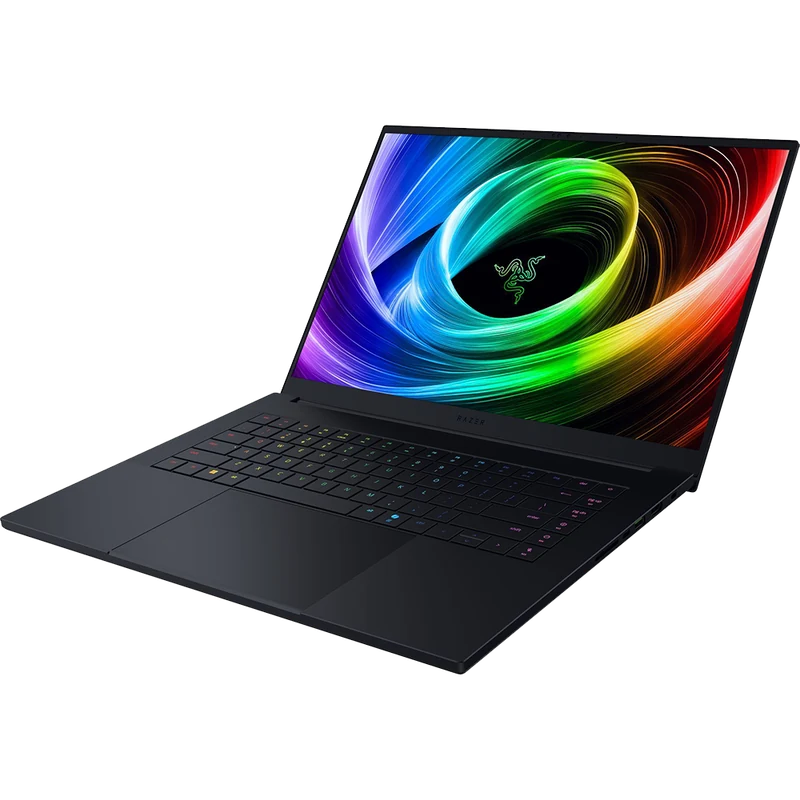
- Best display accuracy of any gaming laptop
- RTX 5080 GPU-accelerated encode
- 2TB storage standard — room for project files
- 2.1kg — light enough for daily carry
- $3,799 — premium price
- 150W TGP in thin chassis — not full RTX 5080 power
- RAM soldered, not upgradeable
2. Best Portable Pick: ASUS Zephyrus G14 (2026)
For creators who move between locations, the Zephyrus G14 is the answer. Its 2.8K OLED (2880×1800) at 120Hz covers 100% DCI-P3 and 100% sRGB — accurate enough for professional colour work. The RTX 5070 with 12GB VRAM handles 1080p and lighter 4K editing comfortably. At 1.65kg it's the lightest capable creator laptop available. The AMD Ryzen AI 9 365 also delivers strong multi-core performance for software rendering in Premiere Pro.
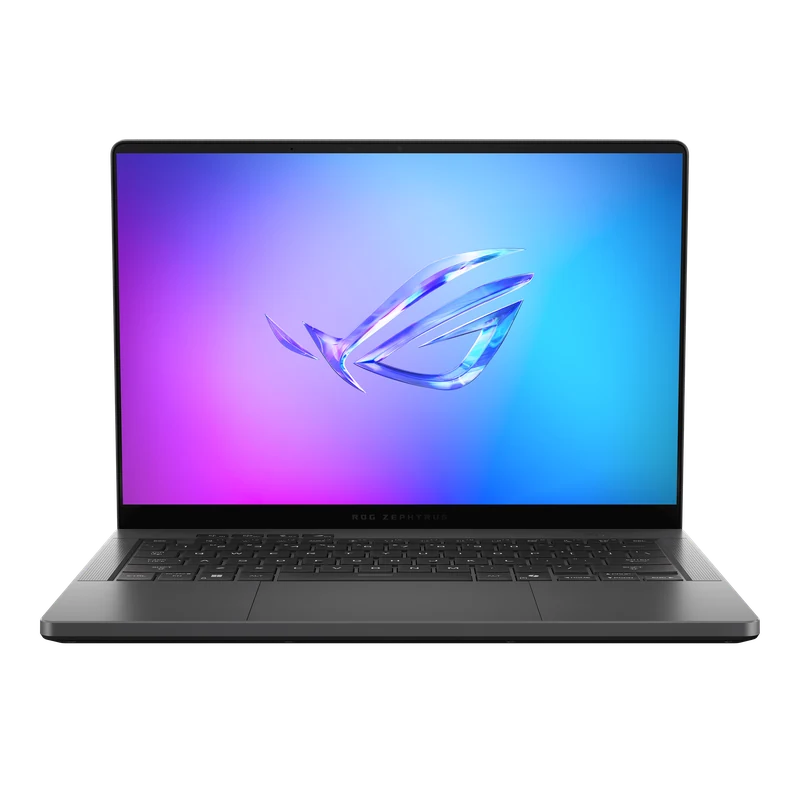
- 2.8K OLED — accurate enough for professional colour work
- 1.65kg — lightest capable creator laptop
- 9–10hr battery on AMD platform
- Ryzen AI 9 — fast software render
- 12GB VRAM — may limit heavy 4K work
- RAM soldered — 32GB is the ceiling
- 100W TGP — slower than full-power RTX 5070
3. Best Value: Lenovo Legion Pro 7i Gen 10
The Legion Pro 7i Gen 10 is the most cost-effective machine for heavy video editing work. Its RTX 5080 at the full 175W TGP — and 16GB GDDR7 VRAM — means DaVinci Resolve GPU acceleration runs at maximum capacity. Export times for 4K H.265 projects are 20–25% faster than an RTX 5070 machine. At $2,899 with 32GB DDR5-5600 included, it undercuts the Razer Blade 16 by $600 while offering more raw GPU power. The IPS display isn't OLED, but it covers 97% DCI-P3 — acceptable for most editing work with a calibrated profile.
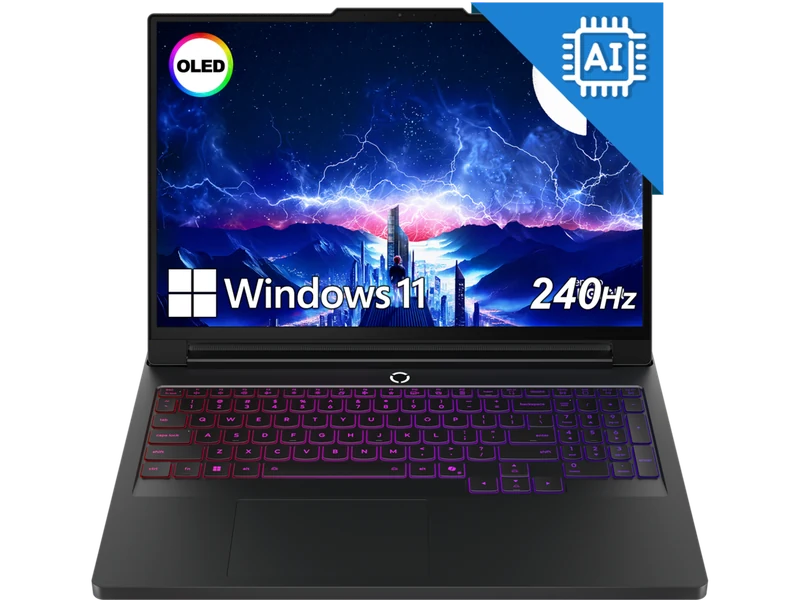
- Full 175W RTX 5080 — fastest GPU encode available
- 16GB VRAM — no limits on 4K workflows
- 32GB DDR5 + upgradeable
- $600 cheaper than Razer Blade 16
- IPS — not OLED, less accurate for colour grading
- 2.8kg — desk machine only
4. Best Desktop Replacement: MSI Titan 18 HX AI
If you work in a fixed location and need maximum capability, the MSI Titan 18 HX AI is in a different class. Its 18-inch Mini-LED 4K display (3840×2400) at 120Hz covers 100% DCI-P3 at 1600 nits peak — genuinely professional. The RTX 5090 with 24GB GDDR7 handles any current editing workload. 64GB DDR5-5600 as standard eliminates RAM as a bottleneck for complex multicam, 8K proxies, or heavy effects stacks. At $3,707 this is for professionals, not hobbyists.
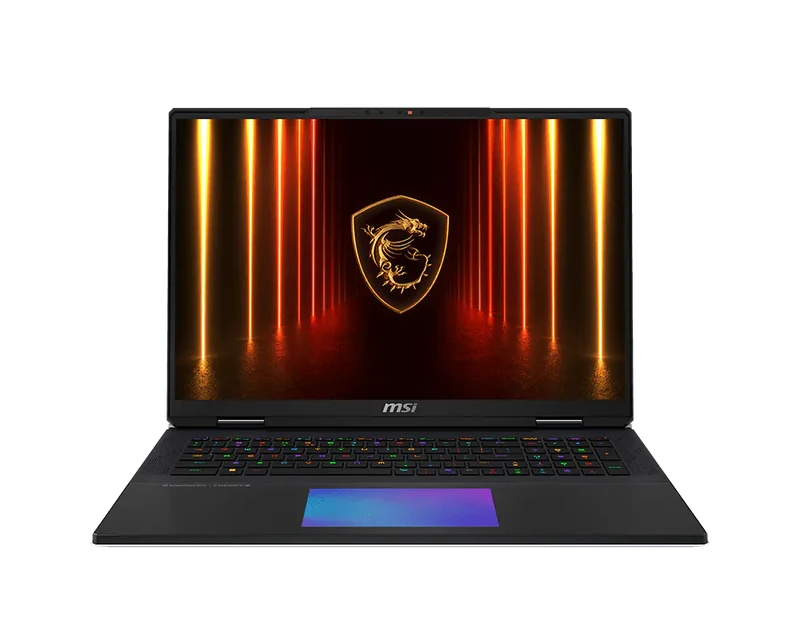
- 4K Mini-LED display — true professional spec
- 24GB VRAM — no workflow is too heavy
- 64GB DDR5 standard
- RTX 5090 — fastest available GPU encode
- $3,707 — professional pricing
- 3.3kg — not portable
- Battery life under 1hr under load
4K Export Speed Comparison
| Laptop | GPU | 4K H.265 Export (10min clip) | DaVinci GPU Score |
|---|---|---|---|
| MSI Titan 18 HX AI | RTX 5090 175W | 4:12 | 9.8 |
| Lenovo Legion Pro 7i | RTX 5080 175W | 5:08 | 9.5 |
| Razer Blade 16 | RTX 5080 150W | 5:44 | 9.1 |
| Zephyrus G14 | RTX 5070 100W | 7:21 | 8.4 |
DaVinci Resolve 19 · 4K H.265 · GPU acceleration enabled · Performance mode
Do You Actually Need OLED for Video Editing?
OLED is ideal but not mandatory. A well-calibrated IPS panel covering 95%+ DCI-P3 (like the Legion Pro 7i's) is usable for colour grading if you work with a colour-managed display profile. Where OLED becomes important: HDR mastering, skin tone work, and any job where the client will view the final output on an OLED screen. If budget is a constraint, IPS + calibrated profile + external reference monitor when needed is a reasonable workflow.